
"WhatsApp business page" means different things to different people. Some people mean the WhatsApp Business app profile. Others mean a web page linked to their WhatsApp. The best-performing SA businesses have both.
Here's how to set up each, step by step.
Part 1: Your WhatsApp Business Profile
The WhatsApp Business app is free and available on Android and iOS. If you're using regular WhatsApp for your business, switch. The Business app gives you features that make a real difference.
Step 1: Download WhatsApp Business Get it from the App Store or Google Play. You can use your existing number or set up a dedicated business number (recommended if you want to separate personal and professional conversations).
Step 2: Set up your Business Profile Go to Settings → Business Profile and fill in:
- Business name (as you want customers to see it)
- Category (choose the closest match)
- Description (what you do, who you help, your area)
- Address (or just your city/area)
- Email address
- Website (or your LinkDeck page URL)
- Business hours
This profile appears when anyone views your contact — it's your first impression.
Step 3: Set your Greeting Message Go to Settings → Business Tools → Greeting Message. Turn it on and write a short, friendly greeting. Example: "Hi! Thanks for getting in touch with [Business Name]. How can we help you today?"
Step 4: Set your Away Message Go to Settings → Business Tools → Away Message. Set it to send outside your business hours. Example: "Hi, we're currently closed. We'll respond first thing when we open. Our hours are Monday–Saturday, 8am–6pm."
Step 5: Create Quick Replies Go to Settings → Business Tools → Quick Replies. Create shortcuts for your most common answers. A "/" followed by a keyword sends the reply instantly. Set these up for your price range, location, how to book, and your main services.
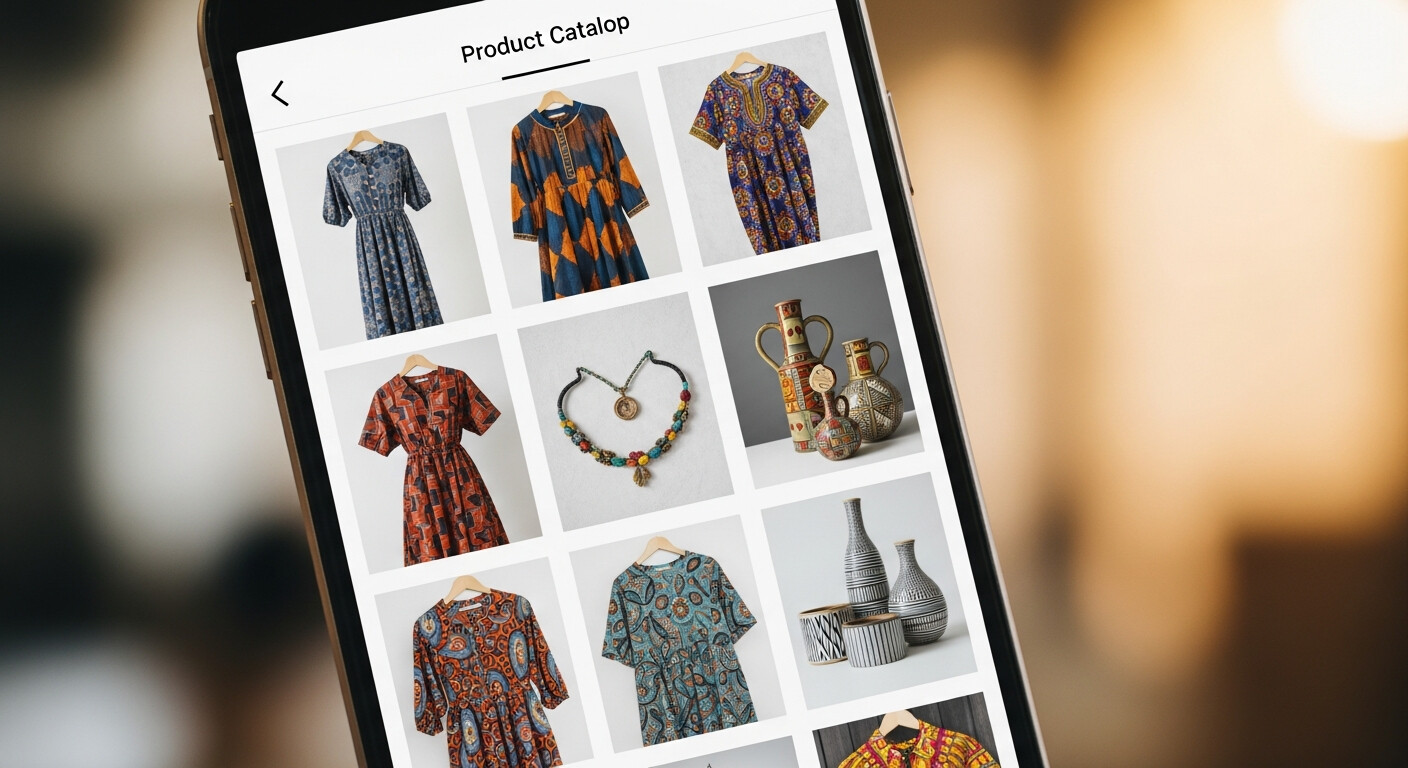
Step 6: Create a Catalogue (optional) If you sell products or have services with fixed prices, add them to your WhatsApp Catalogue. Customers can browse your offerings directly in the app.
Part 2: Your Business Page (The Link-In-Bio)
A WhatsApp Business profile is internal — customers only see it after they've already found your number. Your business page is external — it's what attracts them in the first place.
Your business page lives at a URL you share everywhere. It includes your photos, your services, your hours, your location, and — most importantly — a button that opens a WhatsApp conversation directly.
What to put on your page:
- A cover photo (your workspace, your best product, or a professional portrait)
- A short description (2–3 sentences: who you are, what you do, who you serve)
- A gallery (6–10 photos of your work, products, or space)
- Your services or price list
- Your trading hours
- Your location (town/suburb is enough for most businesses)
- Your WhatsApp button (this is the main call-to-action)
- Links to your Instagram and Facebook
Where to share your page link:
- Instagram bio
- Facebook About section
- Google Business Profile
- Your email signature
- On your business card as a QR code
- In WhatsApp groups when you introduce yourself
Connecting the Two
The flow looks like this:
- Potential customer sees your Instagram post
- They tap your bio link
- They land on your business page, see your work and details
- They tap the WhatsApp button
- A conversation opens with your WhatsApp Business profile
- Your greeting message fires automatically
- They send their enquiry
- You respond and convert them into a customer
Every step in this flow can be optimised. But getting the basics right — a proper WhatsApp Business setup and a link-in-bio page — puts you ahead of most SA businesses immediately.
One More Thing: Your LinkDeck URL
When you create a free LinkDeck page, your business gets a permanent URL at linkdeck.co.za/yourbusiness. This URL:
- Gets indexed by Google (helps with local search)
- Works on any device without an app
- Can be shared as a link or a QR code
- Loads fast even on slow data connections
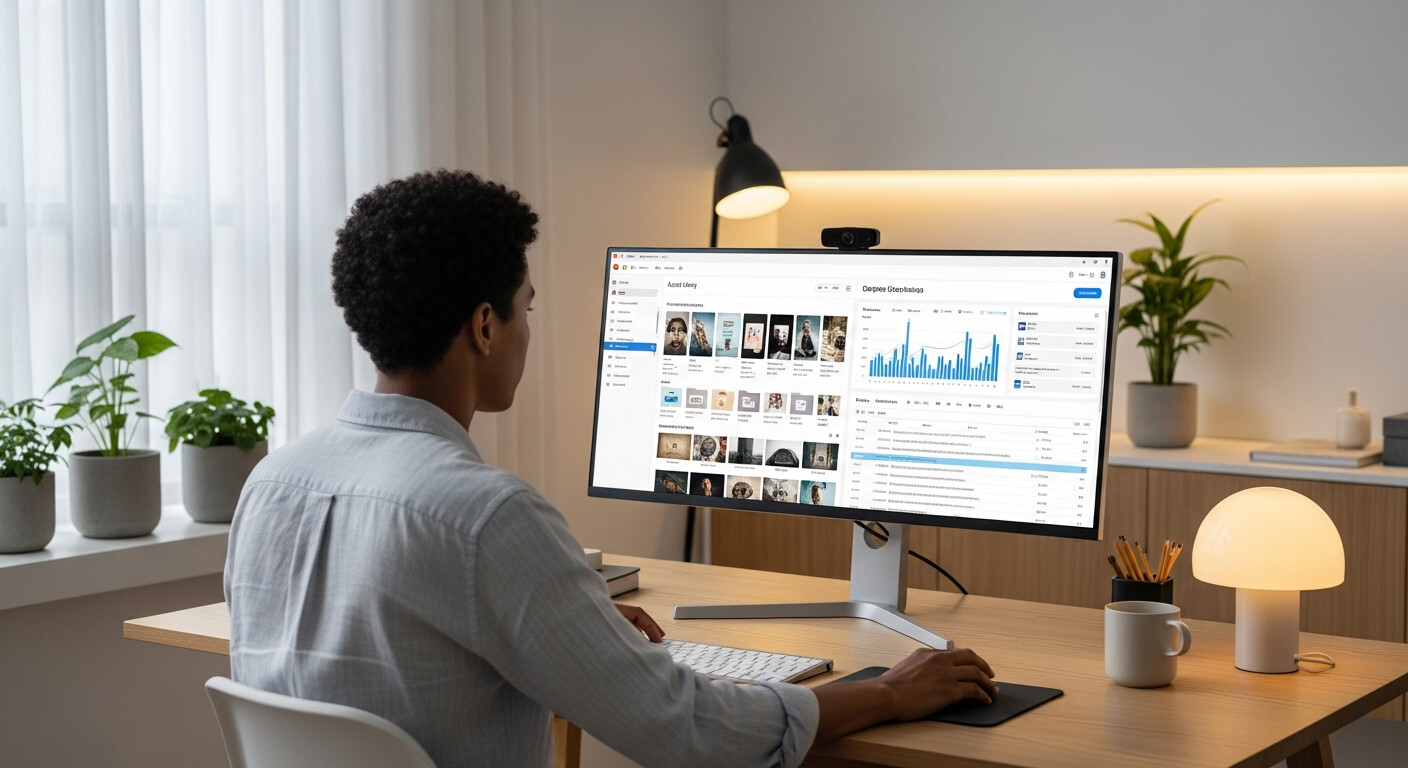
To update your page, check your analytics, and download your QR code, use LinkDeck Studio — available for desktop and mobile.
It's your WhatsApp business page, in the fullest sense of the term.