Most people manage their LinkDeck page from a browser tab. That works fine when you're setting up and doing the occasional update. But if you're using the platform regularly — uploading assets, building campaigns, generating QR codes, tracking analytics — browser tabs are the wrong tool.
There are always 15 other tabs open. You accidentally close the wrong one. You lose context when you switch to something else. The browser nav bar is taking up space that should be your workspace.
LinkDeck Studio is the answer to all of that.
What Studio Is
Studio is a dedicated desktop app for LinkDeck operators. It installs directly on your computer — Windows, Mac, Linux — through Chrome, Edge, Brave, Arc, or Opera. Once installed, it behaves like a native app: it has its own icon in your dock or taskbar, opens in its own window without a URL bar, and can be launched independently of your browser.
It's built as a Progressive Web App (PWA), which means it's always up to date — no manual updates, no version mismatches, no app store approval process. It's just always current.
What's Inside
Studio gives you a focused workspace with everything a high-volume operator needs:
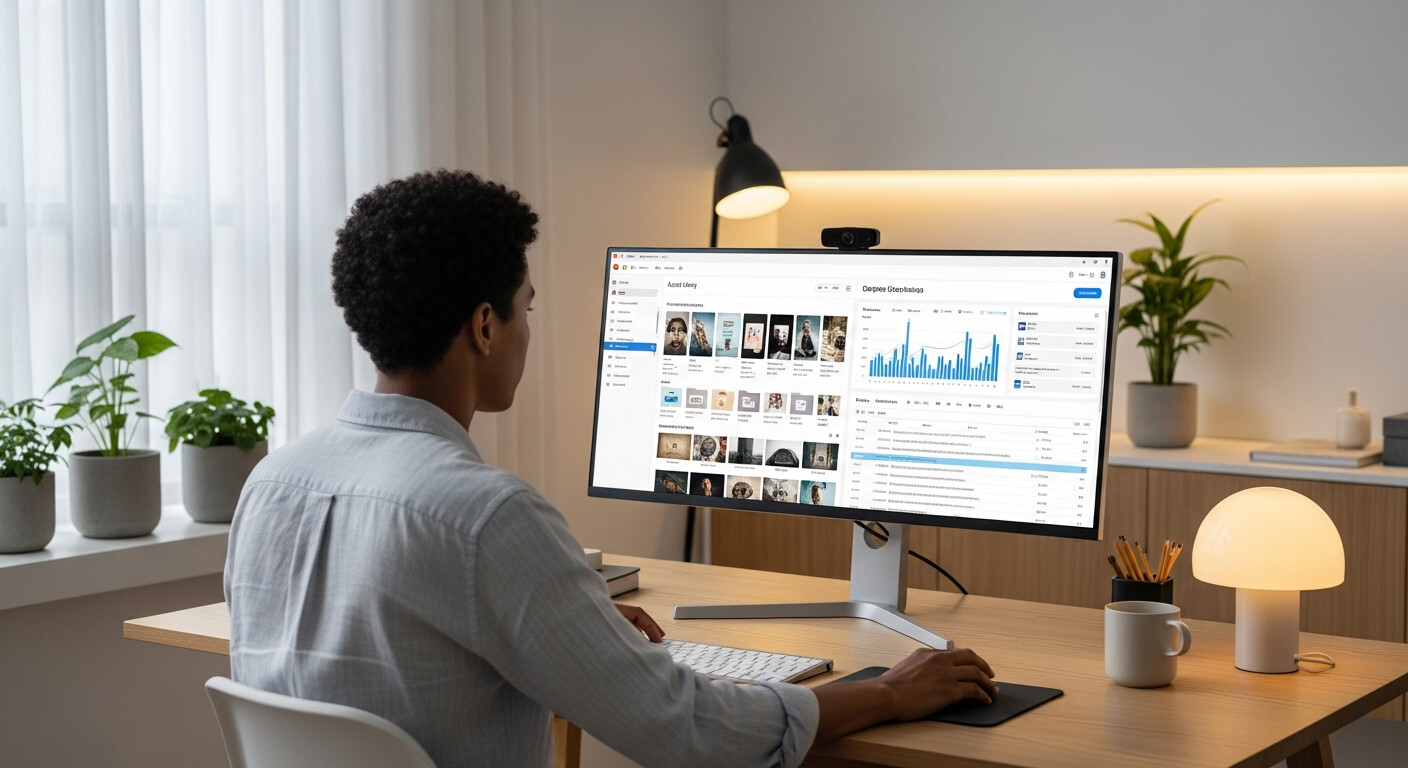
Asset Manager. Upload, organise, and manage all the images, files, and media associated with your account. No more uploading the same image five times across different campaigns. Your asset library is centralised and searchable.
Campaign Builder. Create, launch, and monitor campaigns with trackable QR codes. Every campaign gets its own analytics — scan counts, visit data, geographic breakdown. You can see exactly which campaign is performing and which isn't.
QR Code Generator. Generate print-ready QR codes in PNG or SVG format. SVG scales to any size without quality loss, which matters if you're printing on large format materials — banners, vehicle wraps, shop windows.
Download Manager. Access and download your outputs: QR codes, campaign assets, reports. Everything in one place instead of scattered across email threads or download folders.
Quick Analytics. The Studio dashboard shows your key stats at a glance: assets in your library, storage used, active campaigns, downloads this week. A 10-second read of the dashboard tells you the state of your account.
Activity Stream. A live feed of recent events — uploads, campaign scans, new leads, page activity. If something is working (or not working), the activity stream is where you'll notice first.
The Stat Cards
The top of the Studio launchpad shows four real-time cards: Assets, Storage Used, Active Campaigns, and Downloads. These update every time you open Studio.
They're designed to answer the questions you'd otherwise have to dig for: Am I close to my storage limit? How many campaigns do I have running right now? How many downloads happened this week? Visible immediately, without navigating anywhere.
Two PWAs, No Conflict
If you're already using LinkDeck's customer-facing PWA — the version visitors can install on their phones when they visit your page — Studio is completely separate from it. They use different service workers, different scopes, different manifests.
Installing Studio on your desktop doesn't change anything about your public-facing page or the experience visitors have. It's purely an operator tool, running in the background, available when you need it.
Free With Every Plan
Studio isn't a premium add-on. Every LinkDeck account — Free, Starter, Business, Pro, and Agency — has access to Studio. There's no additional fee and no separate subscription.
If you're on LinkDeck, Studio is already available to you. Most people just haven't installed it yet.
How to Install
Open /downloads on any Chromium-based desktop browser (Chrome, Edge, Brave, Arc, or Opera). You'll see the "Install Studio app" button. Click it. The browser will prompt you to install. Accept. Done.
A new icon appears in your dock or taskbar. Click it to launch Studio. It opens in its own window, no browser required.
The whole process takes about 30 seconds.
If you're using Safari or Firefox, the install option won't appear — PWA installation requires a Chromium-based browser. Switch browsers for the install, then you can use whatever you like for everything else.
Worth Doing Today
If you spend more than an hour a week working in your LinkDeck dashboard, Studio is worth installing. It removes the tab clutter, speeds up your workflow, and gives you a dedicated space for the work that actually grows your business. Think of it as the difference between cooking in a properly equipped kitchen versus a camping stove — both can produce a meal, but only one lets you work at full capacity without fighting the environment.
Visit /downloads and install it now. You'll wonder why you waited.