
Managing five clients' online presence from five separate logins is tedious enough. Managing ten or fifteen is genuinely painful.
Every client update means opening a new tab, logging in with a different email, navigating to the right section, making the change, logging back out. Every report means a separate session per client. Every time a team member needs access, you're sharing a password and hoping they don't break something.
If you manage LinkDeck pages on behalf of other businesses — as an agency, a freelancer, or a franchise operator — there's a better way to work.
How the Organisation Layer Works
The agency layer in LinkDeck is called an organisation. An organisation is a container that holds multiple client workspaces (called tenants) and your team members.
Here's what it changes:
One login, every client. Once you're inside your organisation, you can switch between any client workspace with a single click — no re-authentication, no separate tabs, no password juggling. The client switcher is always visible in your navigation.
Team access without shared passwords. You invite team members to your organisation by email. Each person gets their own login. You assign them a role — admin, editor, or viewer — which controls what they can see and do. A junior team member can update content for specific clients without seeing billing details or account settings.
Aggregate analytics. Instead of checking analytics one client at a time, the organisation dashboard shows totals across all your clients: total page views, total leads captured, total link clicks. You get the full picture in one screen.
White-Label Branding
When you're managing pages on behalf of clients, it looks more professional if the workspace reflects your agency's brand, not LinkDeck's.
The agency plan lets you customise the workspace with your own name, logo, and brand colours. Your clients, if they log in to manage their own pages, see your agency's branding. Not ours. This is the kind of detail that turns a freelance arrangement into an agency relationship.
A Working Example
A social media agency in Durban manages 12 restaurant clients. Before setting up an organisation, they were maintaining 12 separate email logins, 12 separate page update sessions, and 12 separate analytics reports to compile each month.
After setting up the organisation:
- The founder logs in once and sees all 12 client tiles on the dashboard.
- She switches to a client, updates their menu items, and switches back — in under a minute.
- A junior team member handles content updates for 6 of the clients. They can edit and publish. They cannot access billing, or any of the other 6 clients.
- Monthly reporting takes 10 minutes: open aggregate analytics, export the summary, done.
The same process that used to take half a day now takes an hour.
Who This Is For
The organisation layer is designed for three types of users:
Digital marketing agencies and freelancers managing multiple client pages. If you're billing clients for their online presence, an organisation gives you the infrastructure to scale that without proportionally scaling your admin time.
Franchise operators managing multiple locations under one brand. Each location gets its own page and its own data — but the franchisor can see everything in aggregate and ensure brand standards are being maintained.
Internal teams where multiple people work on one or more tenants. Role-based access means you control exactly who can change what.
Plan Requirements
The organisation features — multi-tenant management, team roles, white-label branding, and aggregate analytics — are available on the Agency plan. If you're managing more than a couple of clients, the pricing works out to less than the time you'd save in the first month.
Getting Started
Create your organisation from the account settings in your dashboard. Give it your agency name, set your branding, and start adding your client workspaces. Invite your team members and assign their roles.
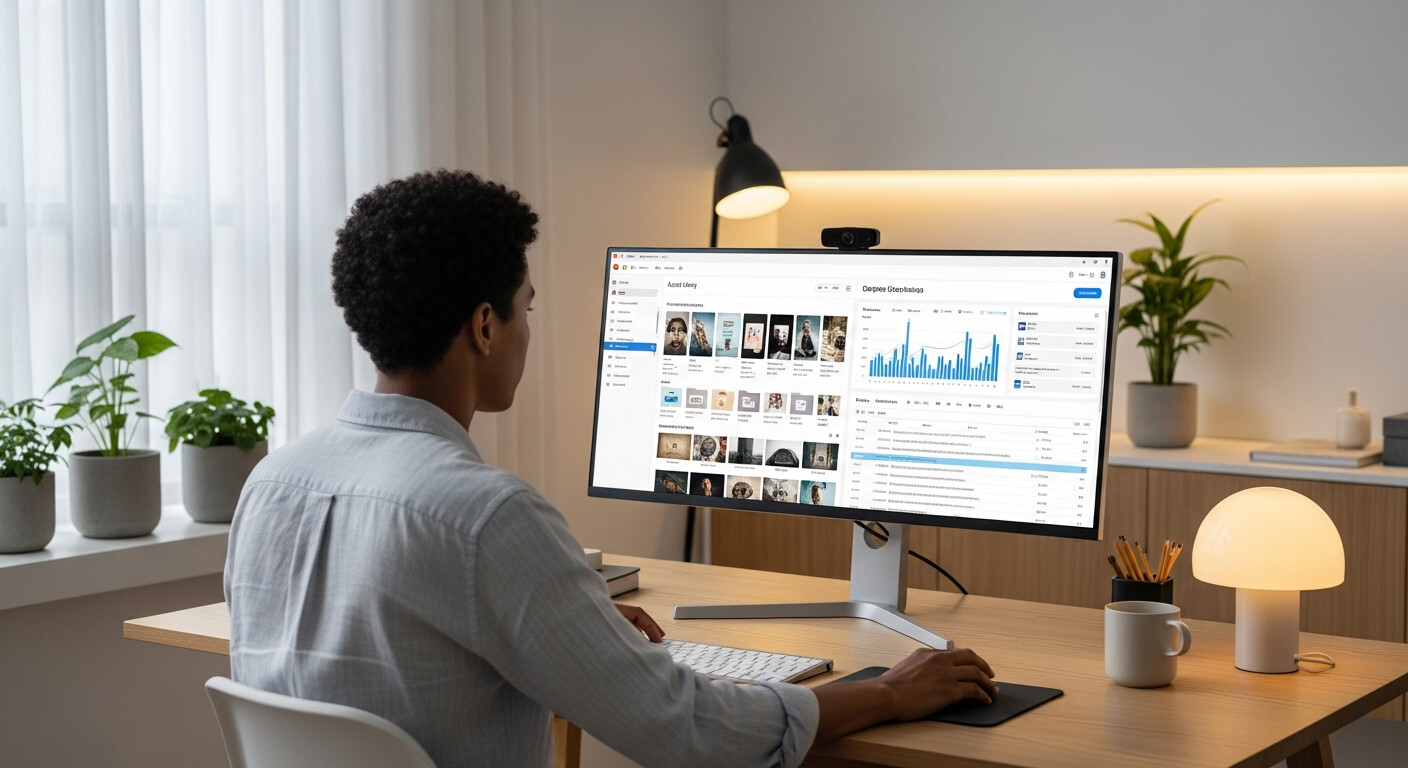
For the most efficient multi-client workflow — especially when managing assets, campaigns, and content across many clients at once — LinkDeck Studio on desktop gives you the full workspace without the browser tab clutter.
The Bigger Picture
Agencies that manage client presence well retain clients longer. When updating a client's page takes 30 seconds instead of 15 minutes, you can afford to be proactive — updating menus before the client asks, refreshing seasonal promotions on time, flagging analytics drops before the client notices. That level of responsiveness is what separates a contractor from a trusted partner.
The organisation layer doesn't just save time. It changes what's possible.
If you're currently managing clients the inefficient way, today is a good day to stop.