Getting Instagram followers feels good. But followers don't pay your bills. Customers do.
The gap between "following a business on Instagram" and "sending them a WhatsApp message" is where most South African businesses lose potential customers. This guide is about closing that gap.
Why Instagram Alone Isn't Enough
Instagram is a discovery platform. People scroll, they see your work, they think "that looks great." But Instagram is not designed for transactions. The app makes it deliberately hard to leave — there are no clickable links in posts, the bio link is easy to miss, and there's no native way to start a business conversation.
Your job as a business owner is to move people from Instagram to WhatsApp as smoothly as possible. Every extra step you add loses customers.
The Setup That Works
Step 1: One strong link in your bio
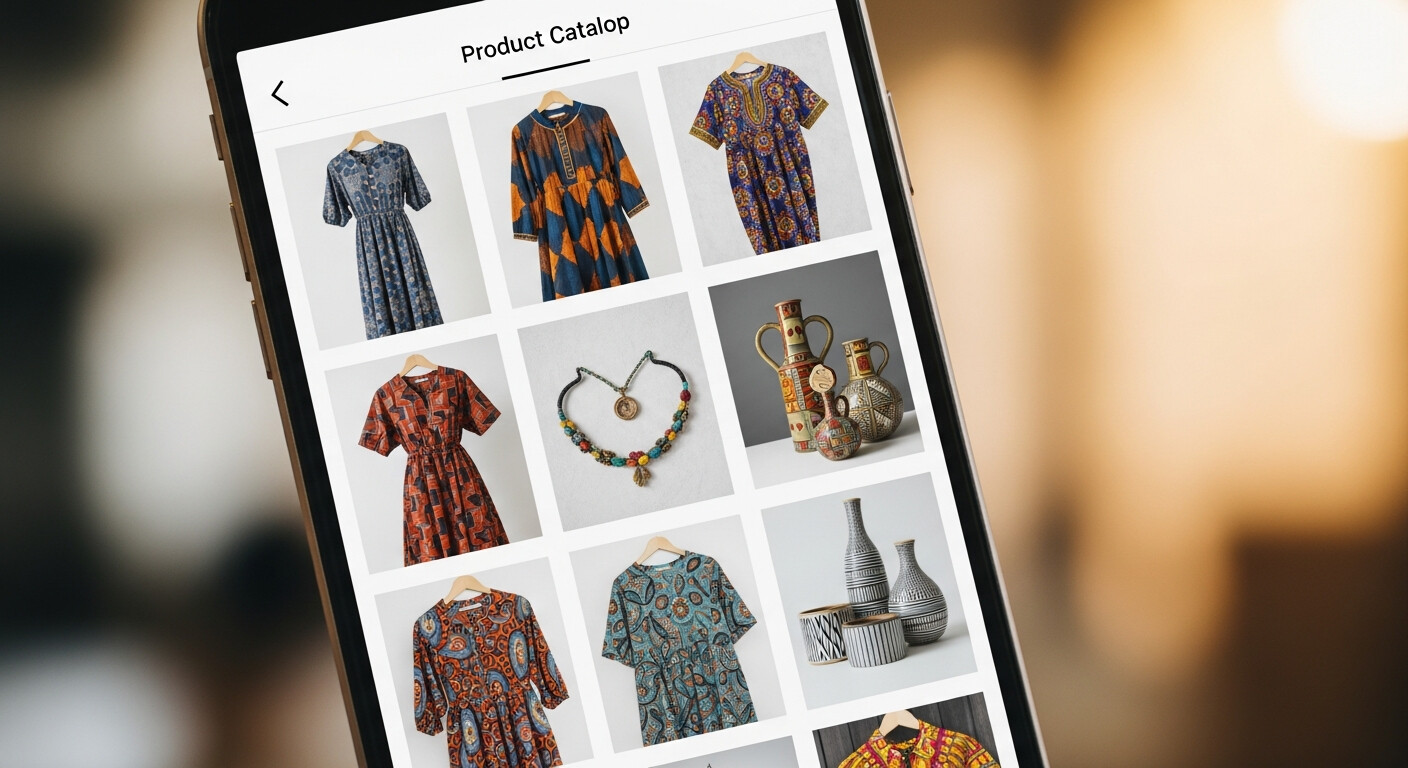
Your Instagram bio allows one URL. Use it for a single link-in-bio page — not your website, not a WhatsApp link directly, but a page that includes your WhatsApp button along with everything else a potential customer needs.
A direct WhatsApp link in your bio works, but it skips your portfolio. Someone who hasn't seen your work yet may not be ready to message you. A link-in-bio page with your gallery converts better because it builds confidence first.
Step 2: Your link-in-bio page does the heavy lifting
When someone taps your bio link, they should immediately see:
- A cover photo that matches the vibe of your Instagram
- A short description that mirrors your Instagram bio (consistency builds trust)
- Your best work in a gallery
- A WhatsApp button that's impossible to miss
- Your location and hours
The page should feel like a logical extension of your Instagram — not a different brand experience.
Step 3: Reference the link in every post and story
"Full gallery and booking in bio" in every post. "Tap the link in bio to get yours" in stories. Not occasionally — every time. Instagram's algorithm rewards consistent posting, and every post is a chance to direct people to your bio.
In Stories, use the Link sticker to send people directly to your page without asking them to navigate to your bio.
Step 4: Use Highlights to pre-qualify leads
Instagram Story Highlights are permanent mini-albums on your profile. Use them to answer common questions before customers even message you:
- Prices (even a rough range)
- Process (what working with you looks like)
- Reviews (screenshots of happy customer messages)
- Location / how to find you
Customers who've read your Highlights before they message you are much easier to convert. They arrive already sold on the basics.
What Happens After They WhatsApp You
Speed matters. The faster you respond to a new WhatsApp enquiry, the higher the conversion rate. If you respond within 5 minutes, you have a much better chance of booking than if you respond hours later.
Set up your WhatsApp Business greeting message so customers get an immediate response even if you're busy. Then follow up personally as soon as you can.
Keep a simple process in your head:
- New WhatsApp inquiry comes in
- Greet them and ask for the key details (date, what they want, etc.)
- Confirm availability
- Send a booking confirmation
That's your entire sales pipeline. Keep it simple.
Tracking What's Working
Look at your Instagram Insights weekly. The metric that matters most is "Profile visits from posts" and "Link in bio taps." If your posts are getting reach but low profile visits, your content isn't compelling enough to make people want more. If profile visits are high but WhatsApp enquiries are low, your link-in-bio page needs work.
Both problems are fixable. The key is knowing which one you have.
The Summary
- Put your link-in-bio page URL in your Instagram bio
- Reference the link in every post and story
- Your page should have your gallery, WhatsApp button, and key info
- Respond to WhatsApp enquiries fast
- Use Story Highlights to pre-sell and reduce back-and-forth
Done consistently, this setup turns your Instagram followers into a steady stream of WhatsApp enquiries. That's when social media starts feeling less like a chore and more like your best marketing channel.
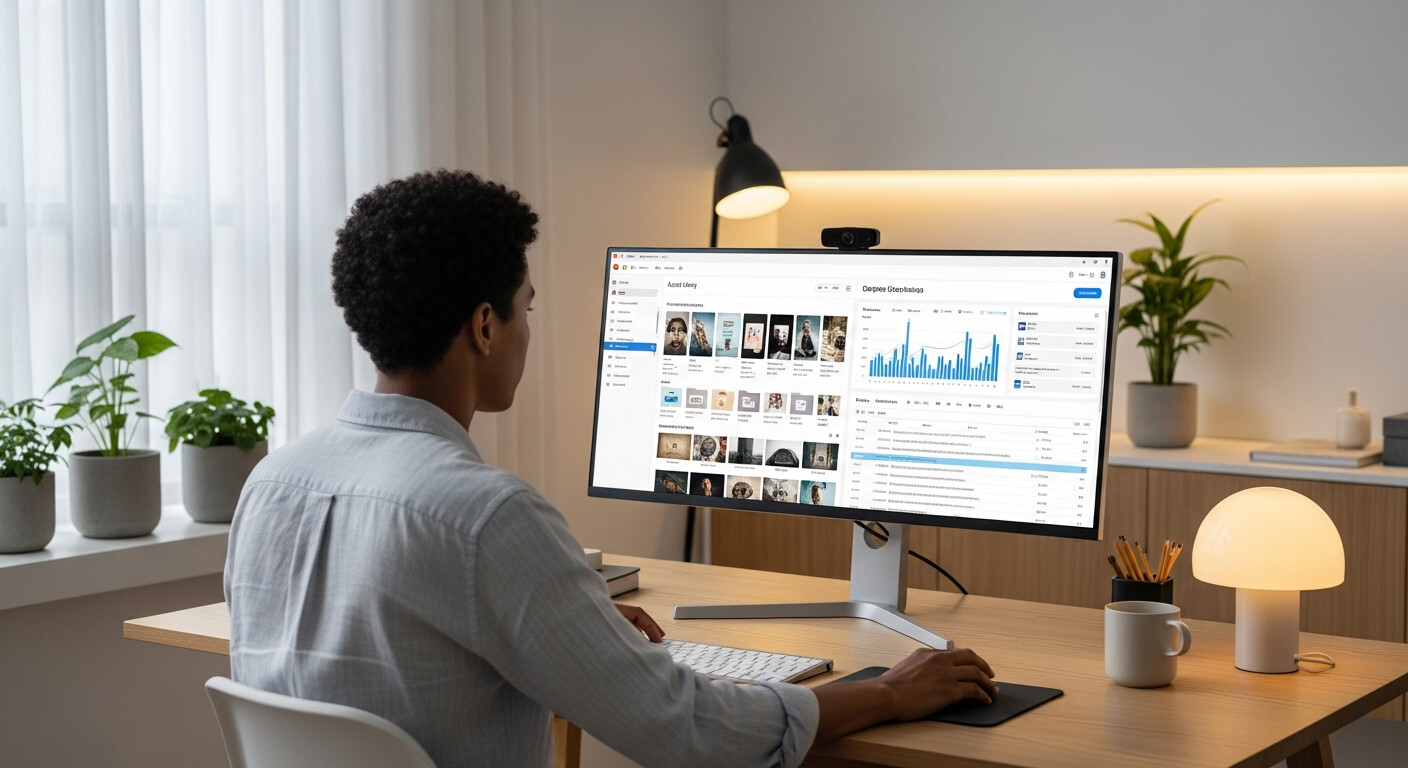
Use LinkDeck Studio to keep your link-in-bio page updated with fresh photos, current prices, and new services — so every tap from your Instagram bio lands on a page that's always working for you.