A few years ago, QR codes felt like a failed experiment — clunky, slow, and mostly ignored. Then smartphones got better, cameras started scanning automatically, and everything changed. Today, South Africans scan QR codes without thinking. At restaurants, shops, gyms, and spaza shops, QR codes have become completely normal.
That habit is a massive opportunity for small business owners.
What a QR Code Actually Does for Your Business
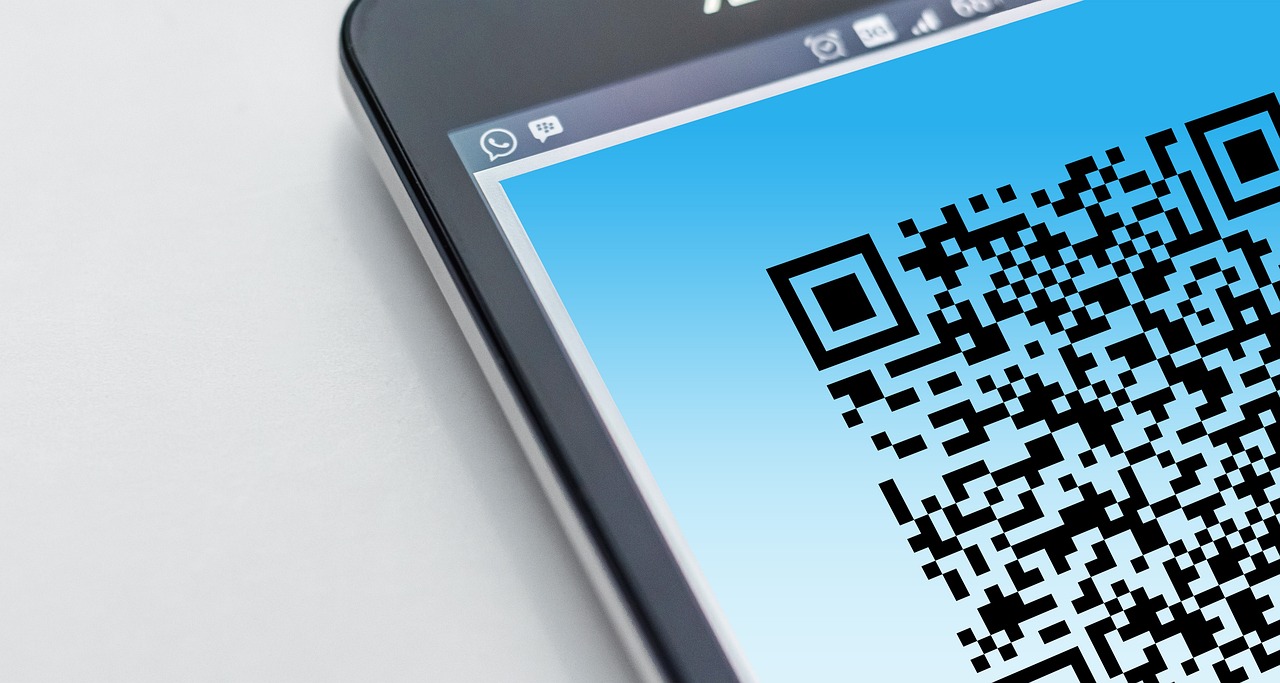
A QR code is just a link in picture form. When someone scans it, they go to a web page. That page can be anything — a menu, a booking form, a WhatsApp chat, or your full business profile.
The magic is in the context. A QR code gets scanned by someone who is already physically near your business. That's a warm lead. They walked past your shop, sat at your table, or saw your van. They're interested enough to scan. Now you have a chance to convert them into a customer or a follower.
Where to Put Your QR Code
The question isn't whether to use a QR code. It's where to put it so the most people see it.
On your premises:
- Shop window or front door
- At the till or reception desk
- On your menu (physical or digital)
- On a small stand on tables or counters
- On your packaging or takeaway bags
On your vehicle:
- Back window sticker (very effective for tradespeople driving to client sites)
- Side panels for delivery vehicles
On printed materials:
- Business cards (combine QR + contact info)
- Flyers and pamphlets
- Posters at markets or trade shows
- On invoices and quotes
At events:
- Pop-up banner at your stall or stand
- On a name badge or lanyard
What to Link Your QR Code To
A QR code linked to just a phone number or address is a missed opportunity. Link it to your full business page — where customers can see your work, read about your services, and tap to start a WhatsApp conversation.
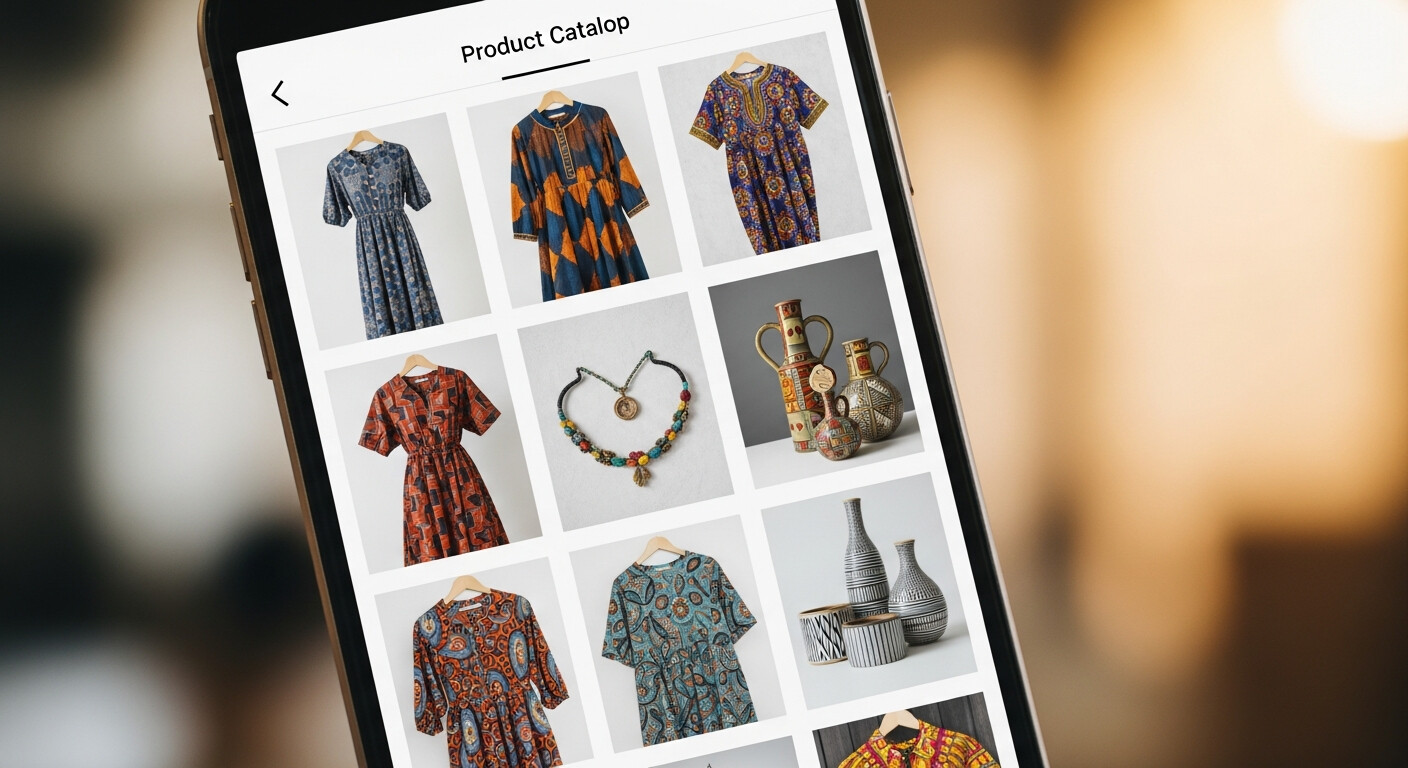
A LinkDeck page is ideal for this: one scan gives the customer your gallery, your services, your hours, your location, and a direct WhatsApp button. Everything they need to decide to use you.
A Real Example: The Braai Stand at the Market
Imagine you sell street food at a weekend market. You set up a small sign next to your stand with a QR code and the words: "Scan to order on WhatsApp for next week."
Someone enjoys your food, scans the code, and lands on your page. They tap WhatsApp, send a quick message to reserve for next Saturday. You've converted a one-time customer into a repeat buyer — without a website, an app, or a booking system.
This is happening every weekend at markets across South Africa.
QR + WhatsApp: The Powerful Combination
The real power comes from combining QR codes with WhatsApp. Every scan becomes a potential WhatsApp conversation. Every conversation is a potential sale.
For trades and service businesses, this is especially powerful. A plumber who has their LinkDeck QR code on their van gets scanned while parked outside a job. The neighbour who just noticed a leak scans it, lands on the page, and sends a WhatsApp enquiry. No cold call. No Google search. Just a scan and a tap.
Getting Your QR Code
When you create a page on LinkDeck, your QR code is automatically generated and available to download. Print it, stick it, share it. Every scan goes directly to your business profile and your WhatsApp button.
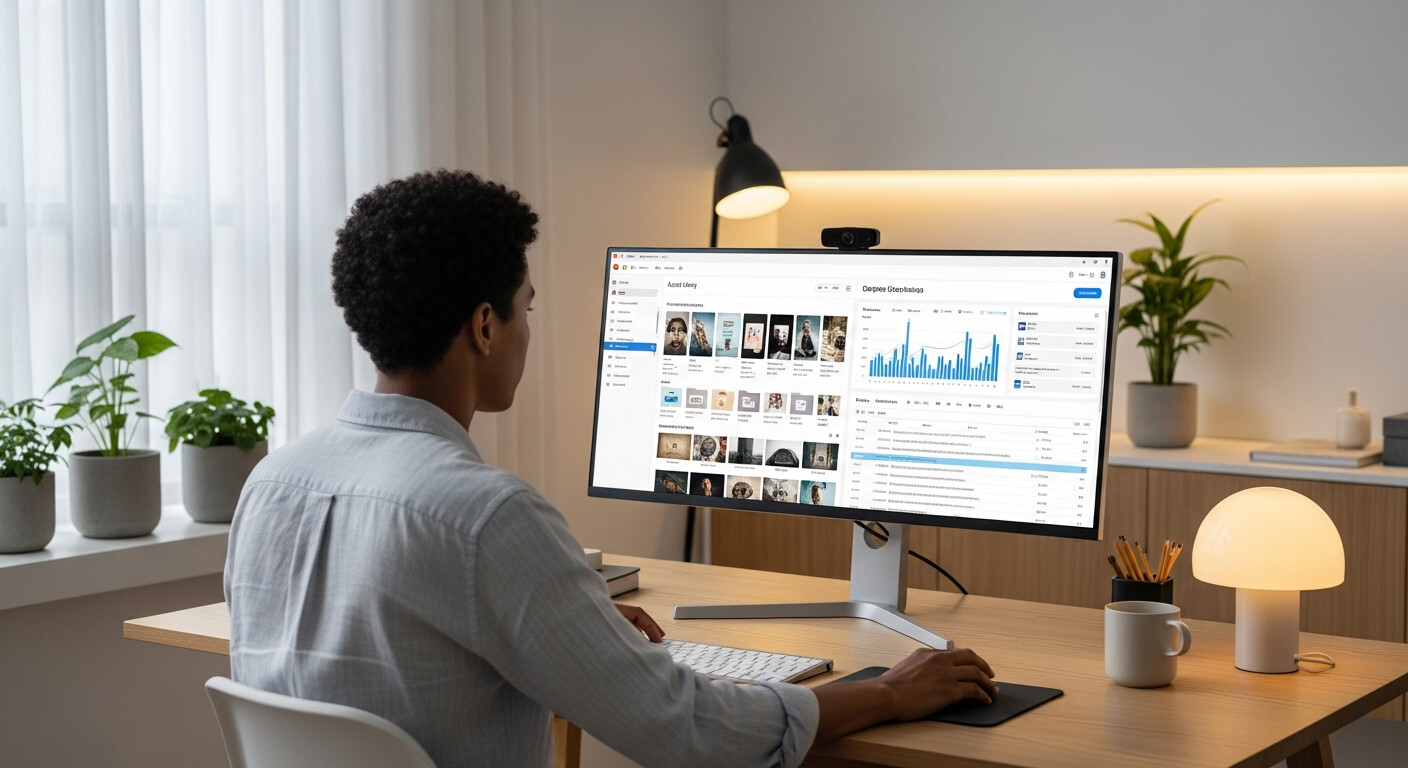
You can download your QR code and keep your page up to date anytime using LinkDeck Studio — the app that lets you manage your profile from your phone or desktop.
It costs nothing to add to your shop window. It takes about 10 seconds to scan. And every scan is a customer who already knows where to find you.