South Africans don't phone restaurants to book. They WhatsApp.
If your restaurant, café, or food business still relies on phone calls for reservations, you're missing a large chunk of potential bookings — especially from customers under 40. And if you're not online at all, you're invisible to everyone who's searching before they decide where to eat.
Here's how to fix both problems.
Why WhatsApp Works Better Than Phone Calls for Restaurants
Phone calls are synchronous — someone has to answer, right now, while service is happening. This means missed calls, interruptions, and the inevitable "can I call you back?" loop.
WhatsApp is asynchronous. A customer sends a booking request at 10pm. You respond in the morning. They're confirmed before you've even opened. No missed calls. No phone tag.
Beyond bookings, WhatsApp also works for:
- Pre-orders (customers order in advance for collection or delivery)
- Menu enquiries (do you have vegan options? What's the daily special?)
- Group booking coordination (10 people trying to agree on a Friday night dinner)
- After-service feedback (a simple thank-you message and a request for a review)
Setting Up a Restaurant WhatsApp Profile
1. WhatsApp Business, not personal WhatsApp Use the WhatsApp Business app. It lets you set up a business profile, automated greeting messages, and quick replies. Your restaurant name appears instead of a phone number, which looks far more professional.
2. Set a clear greeting message "Thanks for messaging [Restaurant Name]. To make a reservation, please tell us: date, time, number of guests, and any dietary requirements. We'll confirm within a few hours."
That greeting does the work for you. Every new enquiry comes in with the right information.
3. Quick replies for common questions Set up quick replies for: your hours, your address, your menu link, parking info, and whether you take walk-ins. Type "/" in any conversation to use them.
Your Online Menu and Profile
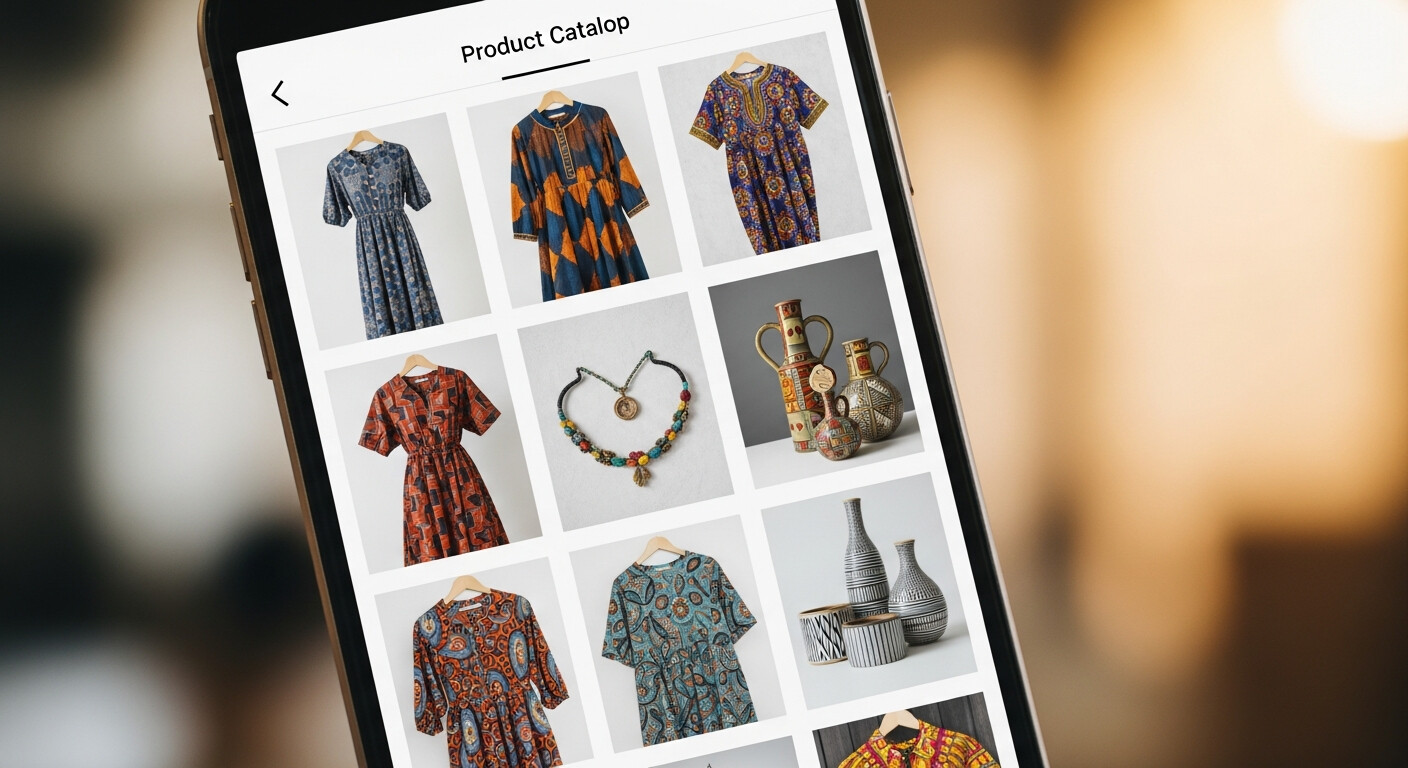
The other piece of the puzzle is your online presence. Before customers decide to make a reservation, they want to see your menu, your vibe, and your photos.
A LinkDeck page for your restaurant can include:
- Cover photo of your dining space or your best dish
- A gallery of food and atmosphere photos
- Your menu (as a PDF link or a catalogue of items)
- Your WhatsApp booking button
- Your address and Google Maps link
- Your trading hours
- Your Instagram or Facebook
When someone finds you — through a recommendation, a search, or a social post — this page answers all their questions and makes booking as easy as one tap.
Handling Group Bookings
Groups are often your highest-value bookings. A table of 10 for a birthday can make your Friday night. But group bookings are also the hardest to handle by phone.
WhatsApp is perfect for this. The customer WhatsApps you with a group enquiry. You can confirm details, discuss menu requirements, and even send a deposit request link — all in one conversation thread. Everyone in the organising group can be looped in via a group chat.
For large groups (15+), consider asking for a small deposit via EFT or a payment link before confirming. This dramatically reduces no-shows.
Reducing No-Shows
No-shows are the restaurant industry's biggest frustration. WhatsApp helps here too.
The day before a reservation, send a quick message: "Hi [name], just confirming your table for [number] tomorrow at [time]. Reply to confirm or let us know if you need to change anything."
Most customers will reply to confirm or cancel in time for you to re-open the slot. It takes 30 seconds per reservation and can recover several covers per weekend.
Linking It All Together
The setup that works best for South African restaurants:
- A LinkDeck page with your photos, menu, and WhatsApp button
- That link in your Instagram bio and Facebook profile
- A QR code on your tables and front door
- WhatsApp Business with a greeting message and quick replies
- A reminder message sent to confirmed bookings the day before
This system costs nothing to run, takes about an hour to set up, and works while you're focused on service.
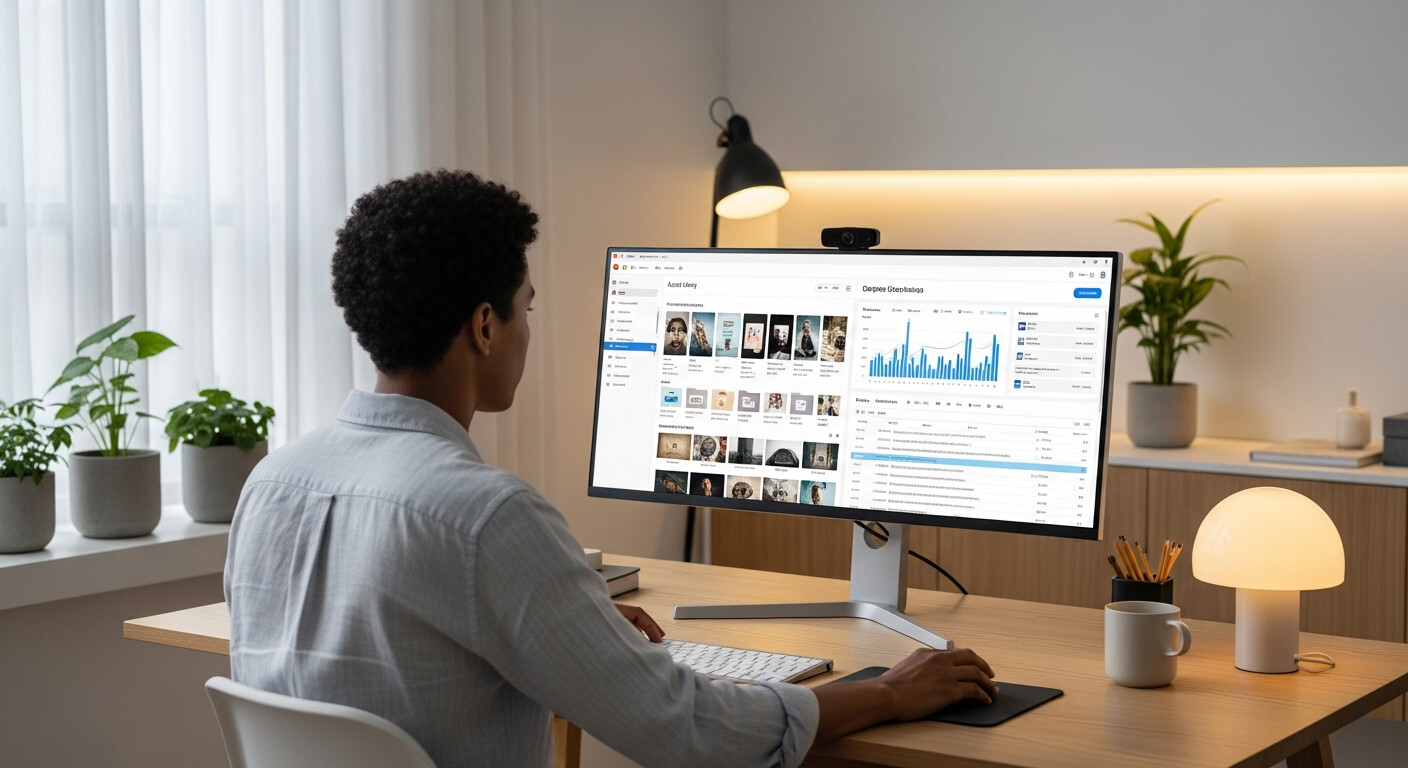
To update your menu, photos, and trading hours on the go, LinkDeck Studio gives you full control of your profile from your phone between service periods.