South Africa has one of the highest WhatsApp penetration rates in the world. More than 90% of smartphone users here have WhatsApp installed — and they check it dozens of times a day. That's not a coincidence. It's an opportunity.
For small business owners, WhatsApp isn't just a messaging app. It's your storefront, your customer service desk, and your marketing channel — all in one.
Why WhatsApp Works for SA Businesses
Unlike email (which most customers ignore) or social media (which the algorithm controls), WhatsApp messages land directly in your customer's pocket. Open rates are close to 98%. Response rates are dramatically higher than any other channel.
More importantly, South Africans trust WhatsApp. When a customer messages you there, they're treating you like a contact — not a brand. That kind of closeness is hard to buy.
The Basics: What Every Business Should Set Up
1. A WhatsApp Business profile Use the free WhatsApp Business app and fill in your business name, address, hours, and description. Add a profile picture (your logo or a clean photo of your premises).
2. A greeting message and away message When someone messages you for the first time, an automatic greeting sets the tone. An away message handles after-hours enquiries without leaving customers feeling ignored.
3. Quick replies for your most common questions Most businesses answer the same five questions over and over — price, location, hours, how to book, and how to pay. Set these up as quick replies so you can respond in seconds.
How to Get More WhatsApp Enquiries
The biggest mistake SA business owners make is expecting customers to find their WhatsApp number on their own. They won't.
Put your WhatsApp link everywhere:
- Your Instagram bio (a link-in-bio page works best here — one tap goes straight to your WhatsApp)
- Your Facebook page
- Your email signature
- Printed flyers, menus, and business cards
- A QR code on your shop window or till area
Every one of those touchpoints should make it as easy as possible to start a conversation.
Turning WhatsApp Into a Booking System
You don't need expensive software to take bookings on WhatsApp. A simple system works:
- Customer sends a message asking to book
- You confirm availability and send a booking time
- You send a reminder the day before
For many SA businesses — hair salons, plumbers, tutors, photographers — this informal process handles hundreds of bookings a month without a single form or booking platform.
The key is making your number easy to find and easy to tap.
Broadcasting to Your Customer List
WhatsApp Business allows broadcast lists — you can message up to 256 contacts at once with a special offer, a new product, or a reminder. Customers must have your number saved to receive broadcasts, which keeps the list warm and opt-in by nature.
Use this for monthly specials, seasonal promotions, or simple check-ins. Keep it short. Keep it personal. Don't over-broadcast or people will mute you.
The Link-in-Bio Connection
Your WhatsApp number is only as powerful as your visibility. A LinkDeck page puts your WhatsApp button front and centre — along with your gallery, services, location, and social links — on one page you can share anywhere.
When a potential customer finds you on Instagram, clicks your bio link, and sees a professional page with a single "Chat on WhatsApp" button, the conversion rate is significantly higher than just listing a number in your caption.
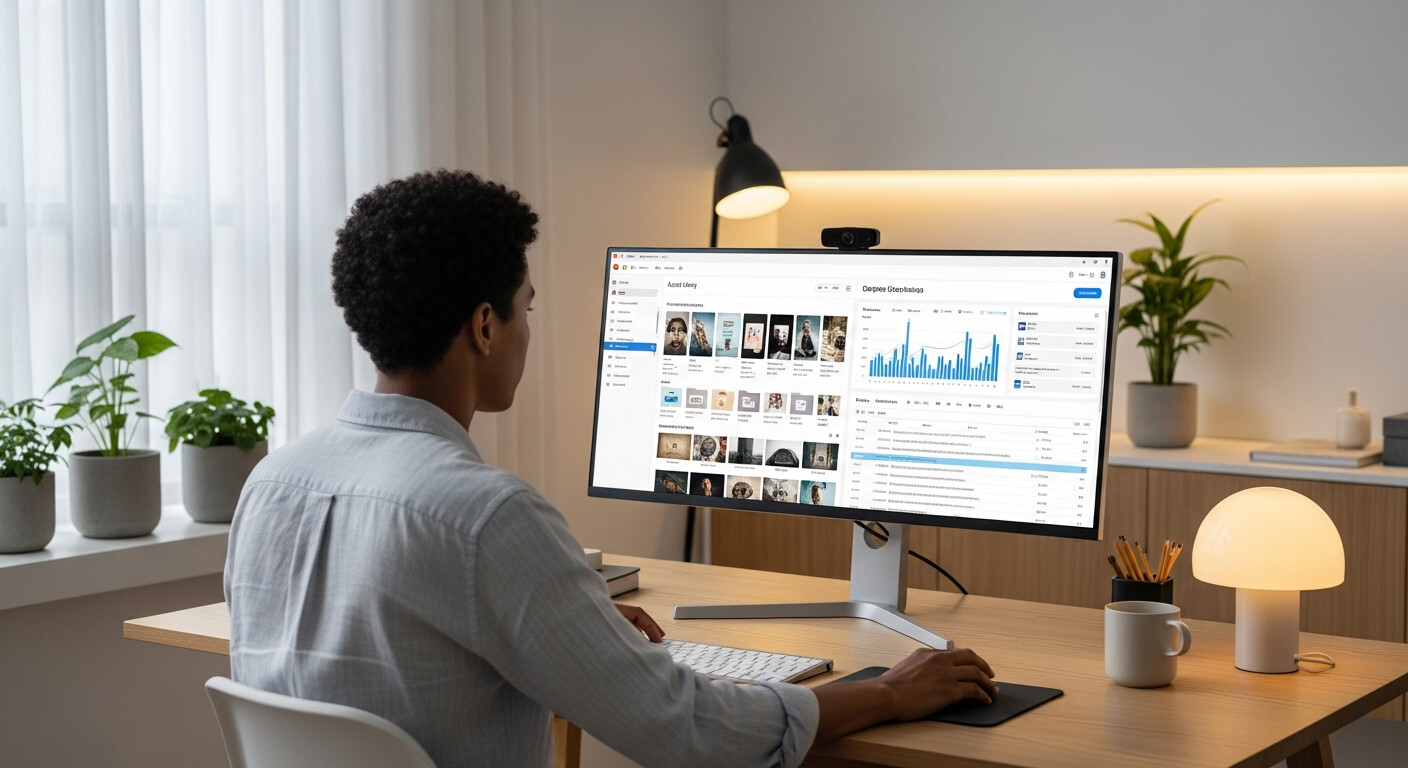
You can manage your LinkDeck page and keep your profile current from anywhere using LinkDeck Studio.
That's the power of combining WhatsApp with a proper digital presence.